

Case study · SaaS platform
Son Tickets: real-time booking software built on React and Firebase
We built the platform restaurants, coworking spaces, spas and other businesses use to take bookings on their own websites, with live availability, email confirmations and a dashboard for their staff.

Son Tickets, and a business that books with it
The platform itself, plus NOI Coworking, which uses it to let members book meeting rooms and desks.
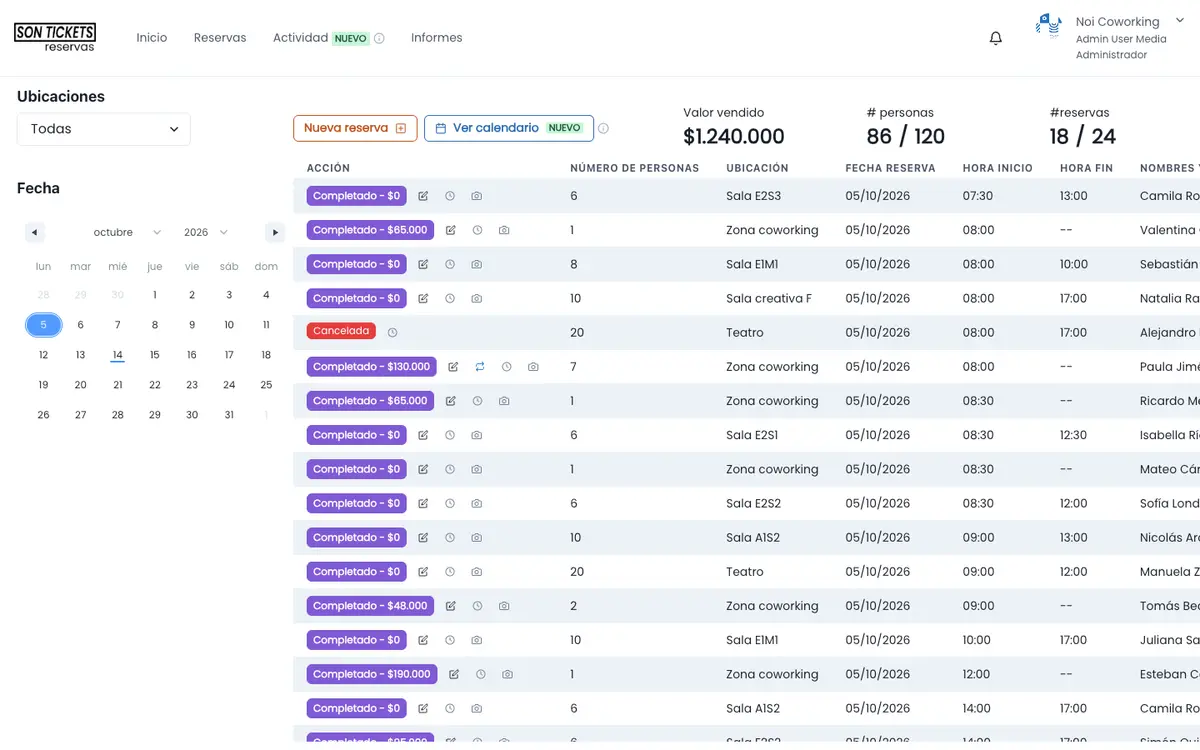
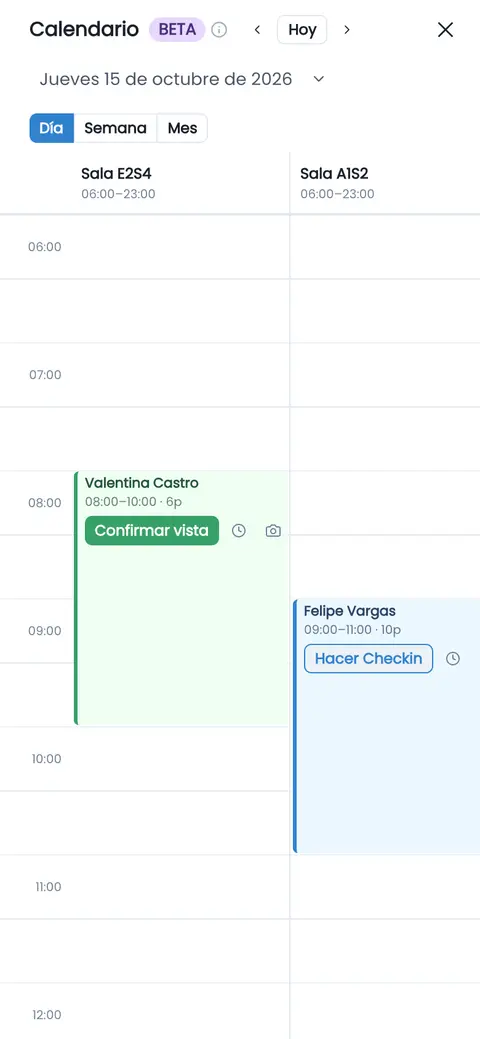
ColombiaBooking software
Son Tickets
A real-time reservation platform for restaurants, coworking spaces, spas, salons, clinics and events. Each business publishes its own booking form, sets hours and locations, and manages reservations from a dashboard.
What we did
We built the React app on Firebase with Node.js functions, the WordPress marketing site and the domain and email setup. We provide ongoing support so the platform keeps evolving.
Technology
- React 18
- Firebase
- Firestore
- Cloud Functions
- Node.js
- WordPress
The sontickets.com footer links to proyectos@crecevirtual.com, an address from Crece Virtual, our former brand name.
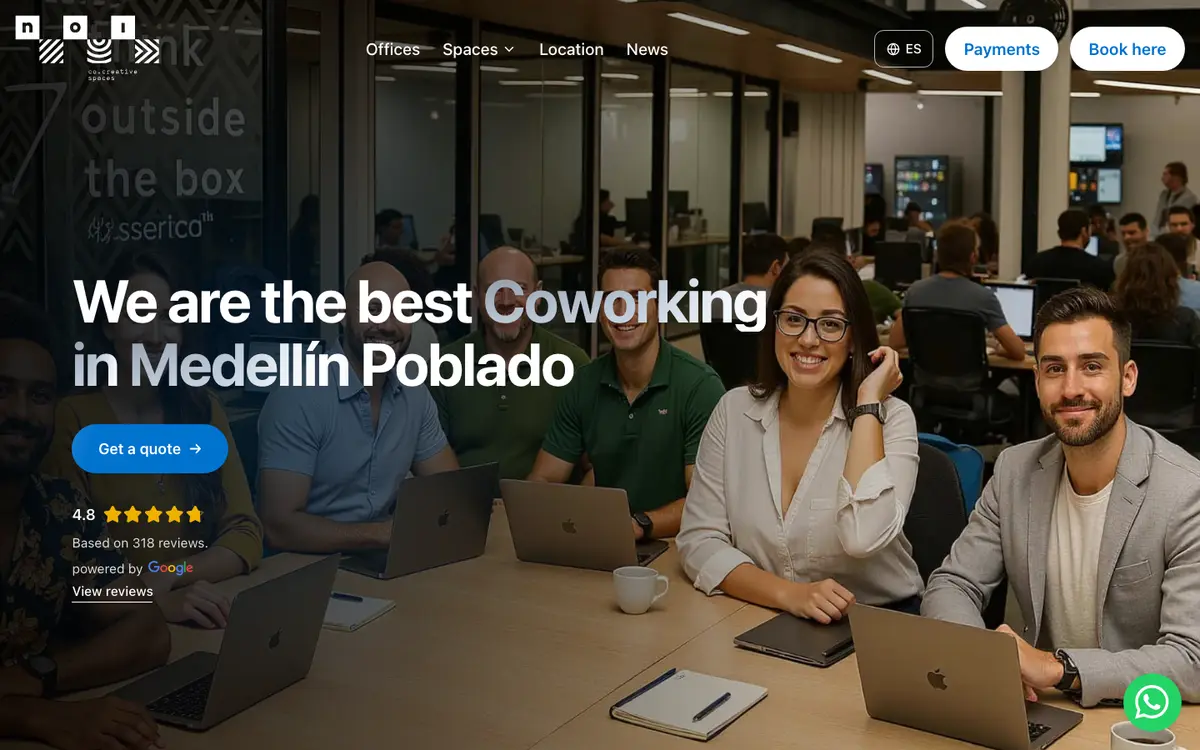
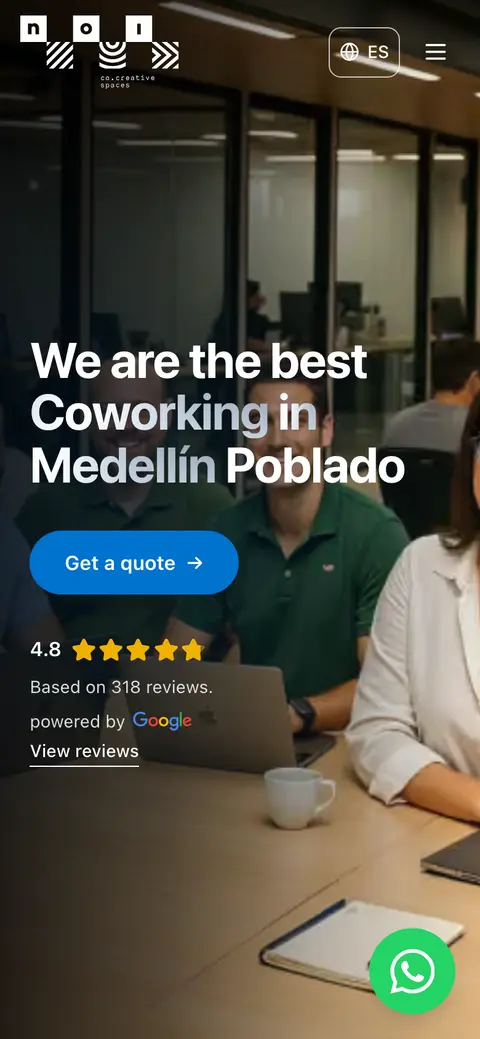
Medellín, ColombiaCoworking
NOI Coworking
A coworking space with locations in El Poblado and Ciudad del Río. Anyone looking for a meeting room or a desk can book it online and see what’s actually open at that moment.
What we did
We designed and built the site with technical SEO and structured data, and connected room and desk bookings to Son Tickets so hours and availability stay under control.
Technology
- Next.js
- Vercel
- Son Tickets
Footer credit: “Diseño Web con ❤ por User Media”.


The project: bookings without phone tag or spreadsheets
A restaurant, a coworking space and a spa share the same headache: when reservations live in phone calls, text threads or a spreadsheet, customers slip away and time slots get double-booked. Son Tickets fixes that with one platform that serves many businesses. We built the whole technical foundation: the React app, the server logic in Cloud Functions on Node.js and the data in Firestore, all on Google’s Firebase. Each business drops its booking form into its own website, whether that’s WordPress, Wix, Shopify or something else, and its staff works from a dashboard. We also built the WordPress marketing site and set up domains and email.
How a booking works in Son Tickets
From the form on the business’s website to the staff dashboard.
- 1
The customer picks
On the form embedded in the business’s site, they choose a location, date, time and party size.
- 2
Live availability
Only open time slots show up, based on the hours, blackout dates and special dates the business sets.
- 3
Confirmation and calendar
A confirmation email arrives with an invite ready for Google Calendar, Outlook or any calendar app (.ics).
- 4
Business dashboard
Staff see and manage bookings in real time, check occupancy reports and export to Excel.
- 5
Tracking
Each business can connect its Meta pixel and Google Ads conversions to see which campaigns drive bookings.
Is a system like Son Tickets what you need?
It works for a lot of businesses, not all of them. Here’s what we check before recommending it.
A good fit if…
- You take reservations for tables, rooms, desks, appointments or event spots, and today they live on paper or in text messages.
- You want customers to book right on your own website, seeing real availability at that moment.
- You need confirmations to go out by email and land on the customer’s calendar.
- You run several locations or spaces, each with its own hours and blackout dates.
Consider something else if…
- You need to collect payment or a deposit at checkout: Son Tickets doesn’t include a payment gateway today.
- You sell reserved seating with a seat map: a ticketing store is the better fit.
- Your process has rules no off-the-shelf system covers: that’s a custom software conversation.
What we did
Product, infrastructure and the digital operations around it.
React app
Public booking forms, a dashboard for each business and a super-admin view, in React 18 with TypeScript, in English and Spanish.
Node.js functions
Cloud Functions that send confirmation emails, generate calendar invites and automate server-side tasks.
Real-time Firebase
Firestore for data, Authentication for logins and Hosting for the app, so changes show up instantly.
WordPress marketing site
The site that presents the product, its features and integrations, built on WordPress with Elementor.
Domains and email
Domain, DNS and email setup, the groundwork that gets confirmations and notifications delivered.
Ongoing support
Hands-on support, preventive maintenance and a technical foundation ready to keep growing.
Son Tickets FAQ
What is Son Tickets built with?
The app is written in React 18 with TypeScript and runs on Firebase: Firestore for data, Authentication for logins and Hosting to serve it. Server logic, such as emails and calendar invites, runs in Cloud Functions on Node.js. The marketing site, sontickets.com, is WordPress with Elementor.
Which parts did User Media build?
The full platform (app, server functions and database), the WordPress marketing site and the domain and email setup. We also provide ongoing support. That’s how we presented it back when we operated as Crece Virtual, our former brand name.
What does it integrate with?
The booking form embeds in the business’s website, whether it runs on WordPress, Wix, Shopify or another platform. It sends confirmation emails with invites for Google Calendar, Outlook or any calendar app (.ics), can open WhatsApp conversations, and records Meta pixel and Google Ads conversions for each business.
Can customers pay when they book?
Not today: Son Tickets doesn’t include a payment gateway. If your business needs to take a deposit at booking, we scope it as separate development and walk you through what it involves before any work starts.
What kinds of businesses use it?
It’s designed for restaurants, coworking spaces, spas, salons, clinics and events. One example you can visit is NOI Coworking in Medellín, Colombia, which runs its meeting room and desk bookings through Son Tickets in real time.
When does a custom platform beat an off-the-shelf booking tool?
When your booking rules aren’t covered by any product, or when reservations are the core of your business and you need to own the data and the roadmap. If an existing tool works for you, we’ll say so: building from scratch only pays off when it gets you something you can’t buy.
Services behind this project
React
Product interfaces and dashboards like the ones in Son Tickets.
Node.js
Server functions, automated emails and integrations with other platforms.
Custom software
Your own platform when no existing product fits the way you work.
Analytics & Data
Tracking the bookings and leads each campaign brings in.
Need a booking system or a SaaS platform?
Tell us what you take reservations for, how many locations you run and how you handle bookings today. We’ll tell you whether an existing tool fits or a custom build is worth it.